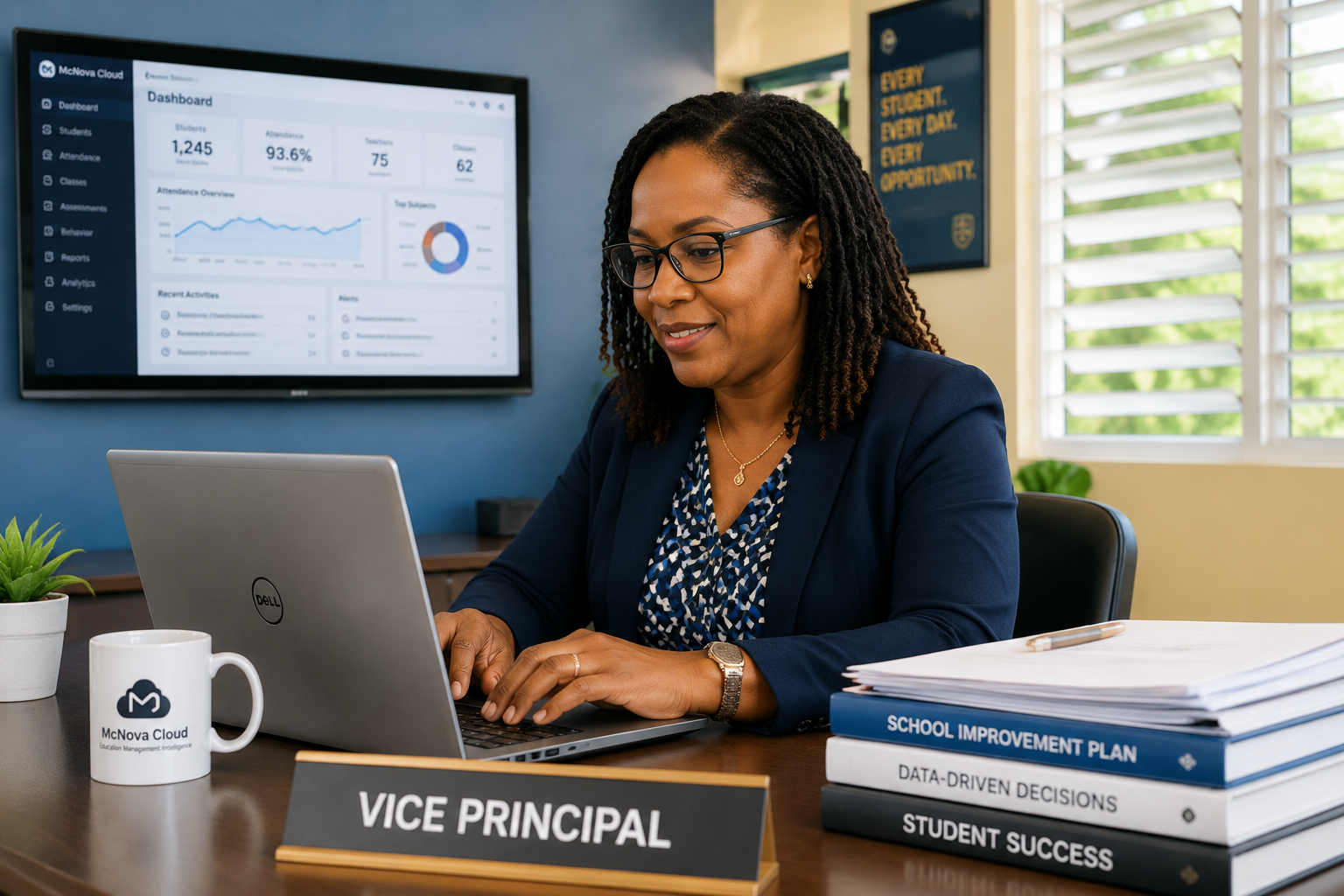
Built for Caribbean schoolsLocal workflows, grading, reporting, and administration.
One connected systemDaily school activity becomes useful information.
Ready to growDesigned for schools, groups of schools, and Ministry oversight.
Built for Caribbean schoolsMulti-role accessMulti-school architectureConfigurable grading policiesAudit loggingCloud access
One entry, useful everywhere
Replace repeated paperwork with one connected flow.
McNova Cloud reduces hand-offs without removing professional oversight.
Traditional process
Mark bookTeacher enters the mark→SpreadsheetThe same mark is entered again→Report templateThe mark is transcribed again→Ministry returnAnother reporting exercise
With McNova Cloud
Grade entered onceApproved school record→GradebookPolicy applied consistently→Report cardBuilt from approved records→AnalyticsAvailable to authorized users
Platform experience
See the workflows people use every day.
Each view is designed around a real task, not a feature checklist.
Names and records shown are fictional and used only to demonstrate interface design.
01
Student Management
Keep a complete student record from registration through promotion or graduation.
Profiles, forms, houses, contacts, and status
Search and filtered administration
School-scoped access and controlled updates
Student directory
AM
Amara M.Form 4 · Cedar House
Active
JL
Joshua L.Form 3 · Palm House
Active
SK
Sania K.Form 5 · Hibiscus House
Active
02
Attendance
Record attendance by class period and make patterns visible while there is still time to respond.
Present, absent, late, and excused states
Teacher-friendly quick entry
School-wide trends and follow-up views
Form 3A · Period 1
28Present
2Absent
1Late
03
Gradebook and Assessments
Enter marks once, apply the approved grading policy, and produce consistent term results.
Coursework, examinations, exemptions, and weights
Configurable grading policies
Term grades and report-card readiness
Mathematics · Term 2
StudentCourseworkExamFinal
A. Matthew847982
J. Lewis736871
S. King918890
04
Report Cards
Build reporting from approved grades, comments, attendance, and signatures already held in the system.
Term-specific layouts and grading fields
Teacher and principal comment workflow
Consistent records with fewer transcription steps
MC
Student Progress Report
Student: A. MatthewForm: 4A
Overall average82%
05
Teacher Portal
Give teachers a focused workspace for classes, attendance, assessments, reporting, and student follow-up.
Assigned classes and subjects
Quick access to gradebook and attendance
Student and reporting workflows in one place
Teacher dashboardGood morning, Ms. Joseph
4 classes today
AttendanceGradebookReport cardsStudent profiles
06
Parent and Student Portals
Present clear, role-appropriate access to attendance, grades, notices, and school communication.
Focused view of the student’s own record
Current attendance and academic information
School notices and communication
Good afternoon, Ms. Lewis
Attendance96%
Current average81%
New school notice available
07
Behaviour and Guidance
Support pastoral care with structured records, interventions, and follow-up.
Manage pass marks, grade bands, categories, and policy versions without hard-coding one model for every school.
School-specific grading structures
Versioned policy review and activation
Clear pass and fail treatment
Antigua Secondary Policy
A85–100Passing
B70–84Passing
C55–69Passing
F0–54Not passing
Analytics that lead to action
Move from summary indicators to the detail behind them.
McNova Cloud helps authorized users investigate attendance, performance,
reporting readiness, and student support without waiting for another manual return.
School Overview
Bring attendance, performance, reporting, and student-support indicators into one authorized view.
Capability demonstration. No school or student data is displayed.
Nova Education Intelligence
Ask a useful question. See the evidence behind the answer.
Nova is designed to support authorized users without replacing professional judgement.
Question
Which students may require academic support this month?
NNova response
Illustrative insight
Some student records may warrant professional review based on selected academic and attendance indicators.
A pattern across the selected indicators may warrant professional review
before any intervention is assigned.
Recent performancePattern: A downward academic trend may be present.AttendancePattern: Attendance may be below the selected comparison group.Reporting periodScope: The period selected by the authorized user.
Suggested follow-up
Review the relevant records with the assigned teacher and appropriate student-support personnel.
Nova supports human judgement. It does not replace professional decisions.
No student information is displayed in this public demonstration.
Principal and school leadership
See what needs attention without asking every teacher individually.
School leaders can review reporting progress, attendance, performance, student support,
and recent activity from one focused dashboard.
Sample leadership interface. No school data is displayed.
From classroom to national insight
One system, different levels of responsibility.
Schools manage daily operations. Government receives the approved aggregate view needed for oversight and planning.
01
Classroom
Teachers record attendance, assessments, and academic activity.
→02
School
Principals monitor progress, reporting, and student support.
→03
Ministry
Authorized officers compare approved national indicators.
→04
Policy
Decision-makers use clearer evidence to guide resources and support.
MMinistry Education Overview
Illustrative data
Multi-School OverviewCapabilityReview approved information across participating schools.Attendance AnalysisCapabilityCompare attendance trends across authorized reporting groups.Reporting OversightCapabilityMonitor completion of approved Ministry returns and reporting tasks.Policy IntelligenceCapabilityReview indicators that may support planning and resource allocation.
Ministry capability demonstration. No national, school, teacher, or student data is displayed.
Security and trust
Designed around controlled access, traceability, and recoverability.
Security controls are reviewed during technical due diligence and
implementation planning. Detailed architecture and security documentation
are shared only with authorized stakeholders.
McNova Cloud was designed around Caribbean school workflows, including local roles, grading structures, promotion practices, and reporting needs.
Yes. Authorized users access the platform through a web browser without requiring a separate server at each school.
Access is assigned according to responsibility. Teachers, parents, students, principals, and administrators receive different capabilities and data views.
Structured imports can support onboarding, subject to data validation, mapping, and a reviewed migration process.
Support arrangements can include onboarding, training, issue management, documentation, and an agreed escalation process.
The platform uses role-based access, school separation, audit logging, session controls, and operational recovery procedures. Technical details are reserved for due diligence.
Yes. McNova Cloud was designed as a multi-school platform with school-scoped administration and higher-level oversight roles.
A pilot should include selected users, approved data, defined success measures, training, support, observation, and a formal evaluation before expansion.
See McNova Cloud in action
Request a focused platform demonstration.
Explore school workflows, analytics, reporting, security, and Nova Education Intelligence.